

Microsoft Copilot Review:
Is It Worth It in 2026?
Microsoft Copilot is best suited for architecture, construction, and real estate firms already standardized on Microsoft 365 who want AI assistance built directly into Word, Excel, Outlook, and Teams.
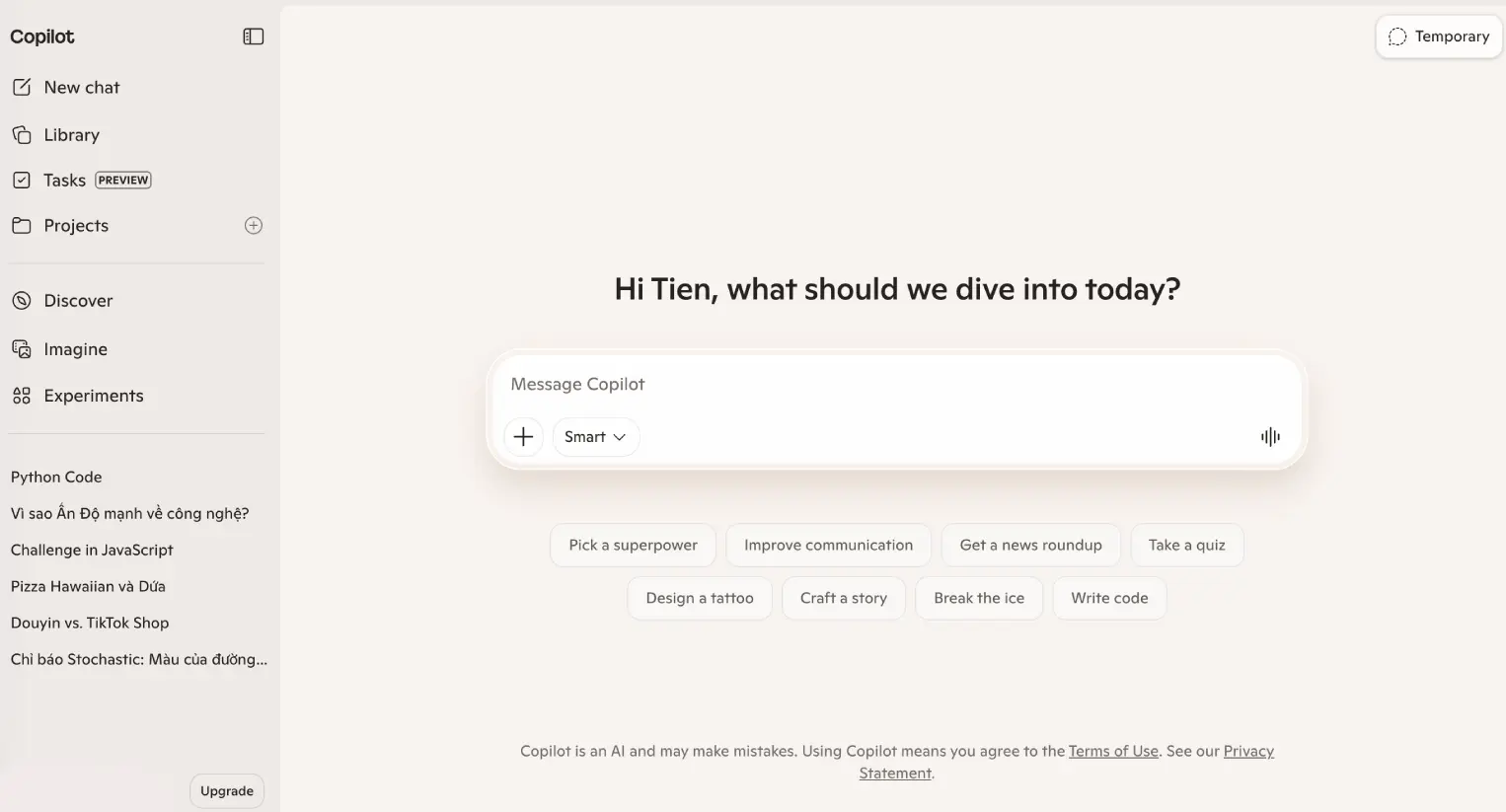
Best For
Our Overall Rating
Based on comprehensive testing
Best For
- Architecture firms drafting and reviewing documents directly in Word and Excel
- Construction project managers summarizing Teams meetings and action items
- Real estate brokerages managing client email and scheduling in Outlook
- Furniture companies using Excel-heavy inventory and reporting workflows
Pricing
See current pricing on the Microsoft Copilot website.
Bottom Line
Microsoft Copilot is best suited for architecture, construction, and real estate firms already standardized on Microsoft 365 who want AI assistance built directly into Word, Excel, Outlook, and Teams.
Visit Microsoft Copilot →Quick Verdict
Microsoft Copilot scores 8.8/10 in our testing and is a strong choice for Architecture firms drafting and reviewing documents directly in Word and Excel and Construction project managers summarizing Teams meetings and action items.
What Is Microsoft Copilot?
Overview
Microsoft Copilot brings AI assistance directly into the Microsoft 365 apps many businesses already rely on — Word, Excel, Outlook, Teams, and PowerPoint — rather than existing as a separate destination app. It can draft documents, analyze spreadsheets, summarize meetings, and triage email, all within the familiar Microsoft interface teams are already trained on.
For architecture, construction, and real estate firms standardized on Microsoft 365 for documents, email, and meetings, this native integration is the central value proposition: AI assistance shows up exactly where daily work already happens, without requiring a separate app or workflow change.
This review evaluates Microsoft Copilot based on its Microsoft 365 integration depth, enterprise readiness, and practical fit for established business workflows heading into 2026.
Key Features
Native Office App Integration
Copilot works directly inside Word, Excel, and PowerPoint — drafting documents, analyzing data and building formulas, and generating presentation outlines without leaving the application.
Outlook Email Assistance
Within Outlook, Copilot can summarize long email threads, draft responses, and help triage a busy inbox, which is particularly useful for client-facing roles managing high email volume.
Teams Meeting Summarization
During and after Teams meetings, Copilot can generate summaries, capture action items, and surface key discussion points, reducing the need for manual note-taking during client or project calls.
Enterprise Security & Admin Controls
Built for organizational deployment, Copilot includes enterprise-grade data handling and admin controls, which matters for firms with compliance requirements around client and project data.
Pros & Cons
Pros
- ✅ Deep, native integration across Word, Excel, Outlook, and Teams
- ✅ Can summarize meetings and draft follow-ups directly inside Teams
- ✅ Enterprise-grade security and admin controls suited to larger organizations
- ✅ Familiar interface for teams already trained on Microsoft 365
Cons
- ❌ Full feature set requires a Microsoft 365 Copilot license on top of existing subscriptions
- ❌ Most valuable specifically for teams already standardized on Microsoft's ecosystem
- ❌ General-purpose chat capability can lag behind dedicated standalone assistants
- ❌ Rollout and feature availability can vary across different Microsoft 365 plans
Who Is It Best For?
Microsoft Copilot is the right tool if you:
- Already run your business on Microsoft 365 for documents, email, and meetings
- Want AI assistance without changing your team's existing workflow or apps
- Need enterprise-grade admin controls for compliance or data governance reasons
- Spend significant time in Excel and want AI help with formulas and data analysis
Microsoft Copilot is not the right tool if you:
- Use Google Workspace or another suite instead of Microsoft 365
- Want the most capable general-purpose chat assistant outside of Office app contexts
- Are unwilling to add a Copilot license cost on top of existing Microsoft 365 subscriptions
Alternatives to Consider
Microsoft Copilot is strong for native Microsoft 365 integration, but it is not the only option:
- ChatGPT — broader general-purpose capability outside the Microsoft ecosystem
- Gemini — better fit for teams standardized on Google Workspace instead
- Claude — stronger for careful, long-document analysis pasted in directly
- Notion AI — better fit if your team's documentation lives in Notion rather than Office
- Grammarly — more focused specifically on writing correction across any app
Final Verdict
Microsoft Copilot earns its place for organizations already standardized on Microsoft 365 — the native integration into Word, Excel, Outlook, and Teams means AI assistance arrives without disrupting an established workflow, which matters for larger, process-driven firms.
Teams on a different productivity suite, or those primarily wanting a standalone general-purpose chat assistant, will likely get more value from a different tool.
Our recommendation: If your firm already runs on Microsoft 365, pilot Copilot with one team — focused on Outlook triage or Teams meeting summaries — before rolling out licenses organization-wide.
Key Features
Deep, native integration across Word, Excel, Outlook, and Teams
Can summarize meetings and draft follow-ups directly inside Teams
Enterprise-grade security and admin controls suited to larger organizations
Familiar interface for teams already trained on Microsoft 365
Best For
Architecture firms drafting and reviewing documents directly in Word and Excel
Construction project managers summarizing Teams meetings and action items
Real estate brokerages managing client email and scheduling in Outlook
Furniture companies using Excel-heavy inventory and reporting workflows
Pros & Cons
What We Like
- Deep, native integration across Word, Excel, Outlook, and Teams
- Can summarize meetings and draft follow-ups directly inside Teams
- Enterprise-grade security and admin controls suited to larger organizations
- Familiar interface for teams already trained on Microsoft 365
What We Don't Like
- Full feature set requires a Microsoft 365 Copilot license on top of existing subscriptions
- Most valuable specifically for teams already standardized on Microsoft's ecosystem
- General-purpose chat capability can lag behind dedicated standalone assistants
- Rollout and feature availability can vary across different Microsoft 365 plans
Top Microsoft Copilot Alternatives
View all alternatives →


Microsoft Copilot vs Top Alternatives
| Tool | Best For | Price | AI Quality | Features | Support | Ease of Use | Rating | |
|---|---|---|---|---|---|---|---|---|
 | Architecture firms drafting and reviewing documents directly in Word and Excel | Contact for pricing | 8.8/10 | Current | ||||
 | Cross-niche | Contact for pricing | 8.3/10 | Read Review → | ||||
 | Cross-niche | Contact for pricing | 8/10 | Read Review → | ||||
 | Cross-niche | Contact for pricing | 7.7/10 | Read Review → | ||||
 | Cross-niche | Contact for pricing | 7.4/10 | Read Review → |
Our Microsoft Copilot Verdict
Microsoft Copilot is best suited for architecture, construction, and real estate firms already standardized on Microsoft 365 who want AI assistance built directly into Word, Excel, Outlook, and Teams.
Visit website for full details
FAQ
Related Articles
View all articles →Best AI Productivity Tools for Professionals in 2026
Discover the top AI tools we recommend in AI Productivity Tools.
View Hub →Microsoft Copilot vs Top Alternatives: Full Comparison
Side-by-side breakdown of Microsoft Copilot and its main competitors.
View Comparisons →Hands-on Guides & Workflows
Step-by-step playbooks for getting the most out of tools like Microsoft Copilot.
Browse Guides →Related Tools in AI Productivity Tools
See all the best AI Productivity Tools →
Nifty
Nifty is best suited for architecture, construction, and design firms that want project tracking, team chat, and client-facing roadmaps in one connected workspace instead of juggling a separate task tool, chat app, and document system.
Read Review →
Submagic
Submagic is best suited for real estate agents, designers, and content creators making short-form video who want AI to add dynamic captions, B-roll, and effects automatically — turning raw phone footage into polished, engaging TikToks, Reels, and Shorts without manual editing.
Read Review →
Togal.AI
Togal.AI is best suited for general contractors, estimators, and construction companies who need to dramatically reduce the time spent on manual quantity takeoffs from construction drawings — using AI to automate the measurement and counting work that underpins cost estimates.
Read Review →
Beautiful.ai
Beautiful.ai is best suited for design professionals and real estate teams who need to produce polished client presentations quickly, without a dedicated graphic designer, by letting AI handle layout and formatting decisions automatically.
Read Review →