

ChatGPT Review:
Is It Worth It in 2026?
ChatGPT is OpenAI's general-purpose AI assistant best suited for architecture, construction, and real estate professionals who want one flexible tool for writing, research, image generation, and everyday problem-solving.
Best For
Our Overall Rating
Based on comprehensive testing
Best For
- Architecture firms drafting proposals, client emails, and quick concept visuals
- Construction teams researching codes, materials, and project documentation
- Real estate agents writing listing copy and answering client questions quickly
- Furniture brands brainstorming product descriptions and marketing content
Pricing
See current pricing on the ChatGPT website.
Bottom Line
ChatGPT is OpenAI's general-purpose AI assistant best suited for architecture, construction, and real estate professionals who want one flexible tool for writing, research, image generation, and everyday problem-solving.
Visit ChatGPT →Quick Verdict
ChatGPT scores 9.4/10 in our testing and is an excellent choice for Architecture firms drafting proposals, client emails, and quick concept visuals and Construction teams researching codes, materials, and project documentation.
What Is ChatGPT?
Overview
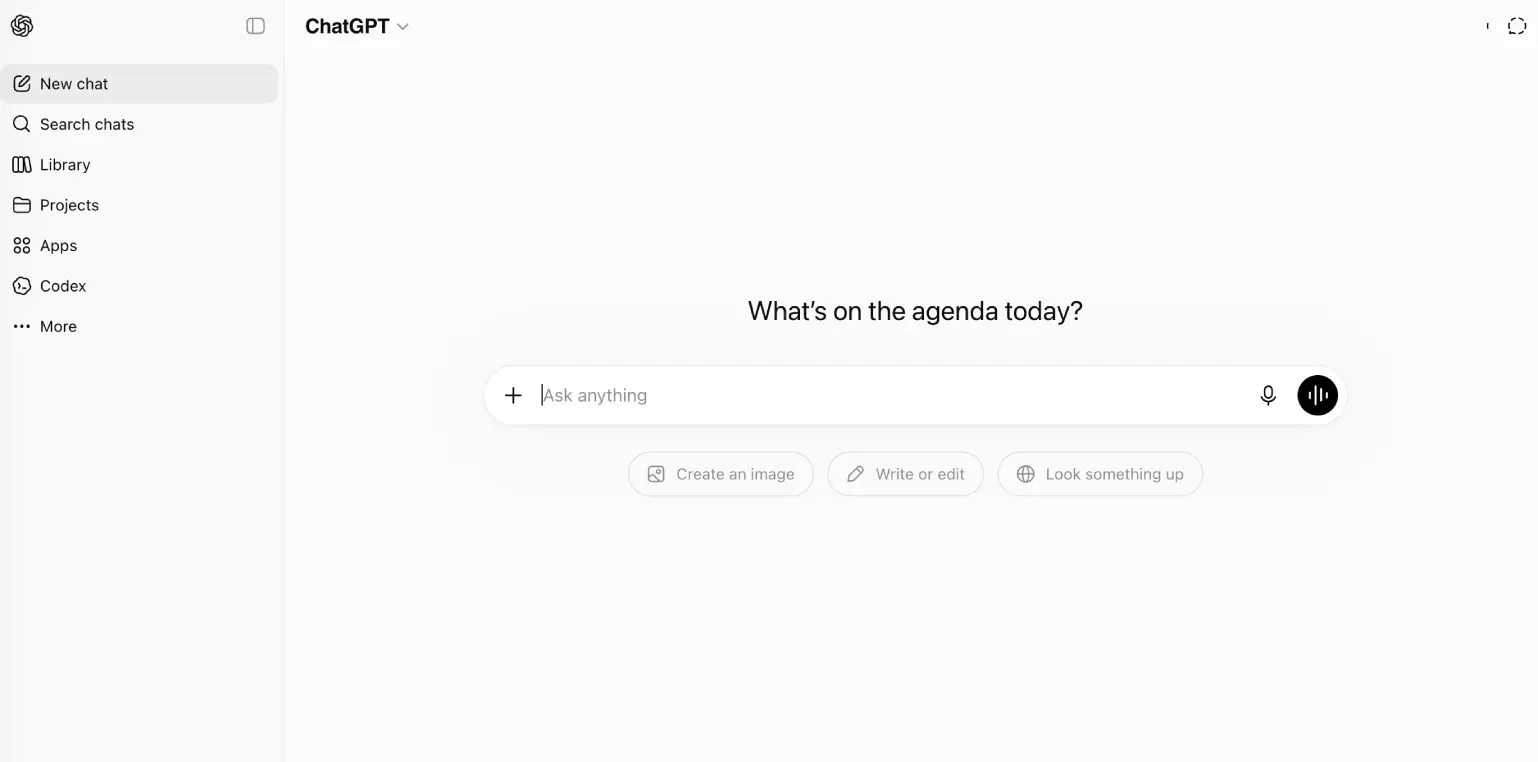
ChatGPT is OpenAI's widely used AI assistant, built to handle a broad range of tasks — writing, research, brainstorming, coding, and image generation — within a single conversational interface. Its combination of general capability, a mature ecosystem of integrations, and custom GPTs for specific recurring tasks has made it one of the most flexible all-purpose AI tools available.
For architecture, construction, and real estate professionals juggling varied day-to-day tasks — drafting a proposal one moment, generating a quick concept visual the next — that flexibility means one tool can cover much of the ground that might otherwise require several specialized apps.
This review evaluates ChatGPT based on its general-purpose capability, ecosystem maturity, and practical fit for varied professional tasks heading into 2026.
Key Features
Broad General-Purpose Capability
ChatGPT handles writing, research, brainstorming, summarization, and reasoning tasks across a wide range of domains, making it a practical default assistant for varied day-to-day work rather than a single-purpose tool.
Built-In Image Generation
Beyond text, ChatGPT can generate images directly within the same conversation, useful for quickly visualizing a concept, mood board direction, or marketing image without switching to a separate design tool.
Custom GPTs
Teams can build and save custom configurations of ChatGPT tailored to specific recurring tasks — like drafting a particular type of client report — reducing the need to re-explain context in every new conversation.
Cross-Platform & API Access
ChatGPT is available through web, desktop, and mobile apps, as well as an API for developers who want to build its capabilities directly into internal tools or customer-facing products.
Pros & Cons
Pros
- ✅ Broadest general-purpose capability of any major AI assistant, with a mature plugin ecosystem
- ✅ Built-in image generation alongside text, useful for quick concept visuals
- ✅ Custom GPTs let teams build tailored assistants for specific recurring tasks
- ✅ Available across web, desktop, mobile, and API for flexible integration
Cons
- ❌ Free tier usage limits restrict heavy daily use without a paid plan
- ❌ Breadth of features can feel overwhelming for users who just want one simple task
- ❌ Real-time information access is more limited than dedicated search tools
- ❌ Quality can vary across highly specialized, niche technical domains
Who Is It Best For?
ChatGPT is the right tool if you:
- Want one flexible assistant for varied tasks rather than several specialized tools
- Need quick concept visuals alongside text without switching to a separate app
- Have recurring, specific tasks that would benefit from a saved custom GPT configuration
- Want broad ecosystem support across web, desktop, mobile, and API access
ChatGPT is not the right tool if you:
- Need the most reliable, cited, real-time research results
- Want deep native integration with Microsoft 365 or Google Workspace specifically
- Prefer a narrower, more focused tool over a broad general-purpose assistant
Alternatives to Consider
ChatGPT is strong for broad, general-purpose AI assistance, but it is not the only option:
- Claude — stronger for careful, long-document analysis and reasoning
- Gemini — better native integration with Google Workspace tools
- Microsoft Copilot — better fit for teams centered on Microsoft 365
- Perplexity AI — more focused specifically on cited, research-style answers
- Grok — stronger access to current, real-time information
Final Verdict
ChatGPT earns its place as the most broadly capable general-purpose AI assistant, covering writing, research, image generation, and custom workflows in one place. For professionals who don't want to juggle several specialized AI tools, that breadth alone is a meaningful advantage.
Teams with a more specific, recurring need — deep document analysis, Workspace integration, or real-time research — may find a more specialized assistant outperforms ChatGPT on that particular task, even if ChatGPT remains the better all-around default.
Our recommendation: Use ChatGPT as your default, everyday assistant, and build a custom GPT for your most frequent recurring task to save time re-explaining context in every conversation.
Key Features
Broadest general-purpose capability of any major AI assistant, with a mature plugin ecosystem
Built-in image generation alongside text, useful for quick concept visuals
Custom GPTs let teams build tailored assistants for specific recurring tasks
Available across web, desktop, mobile, and API for flexible integration
Best For
Architecture firms drafting proposals, client emails, and quick concept visuals
Construction teams researching codes, materials, and project documentation
Real estate agents writing listing copy and answering client questions quickly
Furniture brands brainstorming product descriptions and marketing content
Pros & Cons
What We Like
- Broadest general-purpose capability of any major AI assistant, with a mature plugin ecosystem
- Built-in image generation alongside text, useful for quick concept visuals
- Custom GPTs let teams build tailored assistants for specific recurring tasks
- Available across web, desktop, mobile, and API for flexible integration
What We Don't Like
- Free tier usage limits restrict heavy daily use without a paid plan
- Breadth of features can feel overwhelming for users who just want one simple task
- Real-time information access is more limited than dedicated search tools
- Quality can vary across highly specialized, niche technical domains
Top ChatGPT Alternatives
View all alternatives →


ChatGPT vs Top Alternatives
| Tool | Best For | Price | AI Quality | Features | Support | Ease of Use | Rating | |
|---|---|---|---|---|---|---|---|---|
 | Architecture firms drafting proposals, client emails, and quick concept visuals | Contact for pricing | 9.4/10 | Current | ||||
 | Cross-niche | Contact for pricing | 8.9/10 | Read Review → | ||||
 | Cross-niche | Contact for pricing | 8.6/10 | Read Review → | ||||
 | Cross-niche | Contact for pricing | 8.3/10 | Read Review → | ||||
 | Cross-niche | Contact for pricing | 8/10 | Read Review → |
Our ChatGPT Verdict
ChatGPT is OpenAI's general-purpose AI assistant best suited for architecture, construction, and real estate professionals who want one flexible tool for writing, research, image generation, and everyday problem-solving.
Visit website for full details
FAQ
Related Articles
View all articles →Best AI Productivity Tools for Professionals in 2026
Discover the top AI tools we recommend in AI Productivity Tools.
View Hub →ChatGPT vs Top Alternatives: Full Comparison
Side-by-side breakdown of ChatGPT and its main competitors.
View Comparisons →Hands-on Guides & Workflows
Step-by-step playbooks for getting the most out of tools like ChatGPT.
Browse Guides →Featured in Workflows
Related Tools in AI Productivity Tools
See all the best AI Productivity Tools →
Claude
Claude is Anthropic's AI assistant best suited for architecture, construction, and real estate professionals who regularly need to analyze long contracts, specifications, or reports and want careful, well-reasoned written output.
Read Review →
Gemini
Gemini is Google's multimodal AI assistant best suited for professionals already working inside Google Workspace who want AI help with research, writing, and document analysis without leaving their existing tools.
Read Review →
Joiin
Joiin is an AI-powered financial reporting and consolidation platform that connects Xero, QuickBooks, Sage, and spreadsheets to deliver real-time consolidated group accounts, multi-currency reporting, and board-ready packs — starting from $23/month with unlimited users.
Read Review →
monday.com
monday.com is best suited for architecture, construction, and real estate teams that want project tracking, dashboards, and AI agents built directly into a shared work platform instead of managing spreadsheets and disconnected tools.
Read Review →