
How ArchVision Cut Client Revision Cycles from 3 Weeks to 3 Days Using AI Rendering
A six-person architecture studio replaced slow, expensive external rendering with AI tools inside Revit, cutting concept approval time from 3-4 weeks to 3-4 days and lifting client approval rates from 40% to 73%.
For a small architecture studio, every project is a relationship. You spend weeks developing a concept, refining massing, thinking through materiality — and then you sit a client down in front of a set of technical drawings and renders and watch their face go politely blank.
That was the recurring experience at ArchVision (name changed), a six-person studio based in Amsterdam specializing in residential extensions and boutique commercial fit-outs. Their work was well-regarded. Their clients were engaged. But the feedback loop between concept and approval had become painful.
The Problem With Waiting Three Weeks for a "No"
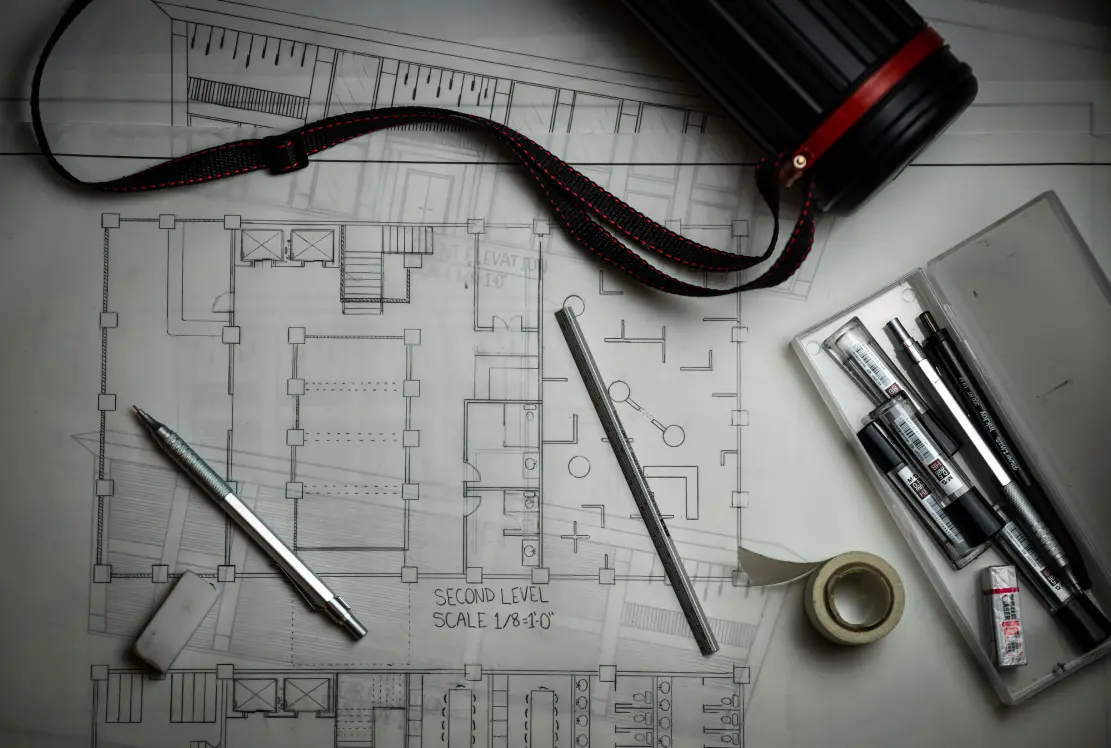
The typical cycle: develop a concept over two to three weeks, produce renders in Revit and send to an external rendering studio, wait five to seven business days for output, present to client, receive feedback like "I'm not sure about the feel of it," revise, repeat. A single concept approval was taking three to four weeks on average — and eating a significant portion of the project's profitability before construction had even started.
The studio principal described it directly: "We were spending enormous energy on beautiful work that clients couldn't emotionally connect with until very late in the process. By the time they said yes, we'd already done two or three rounds that never needed to happen."
The Turning Point
The breaking point came on a residential extension project for a client in Utrecht. After three weeks of development and two rounds of external rendering — at a combined cost of roughly €2,800 — the client rejected the concept entirely. Not because the design was wrong, but because she "couldn't picture how it would actually feel to be in that space."
The studio had produced accurate, technically polished renders. The problem wasn't quality — it was speed and volume. The client needed to see five variations quickly to understand what she actually wanted. The studio's workflow had only allowed for two, produced slowly and expensively.
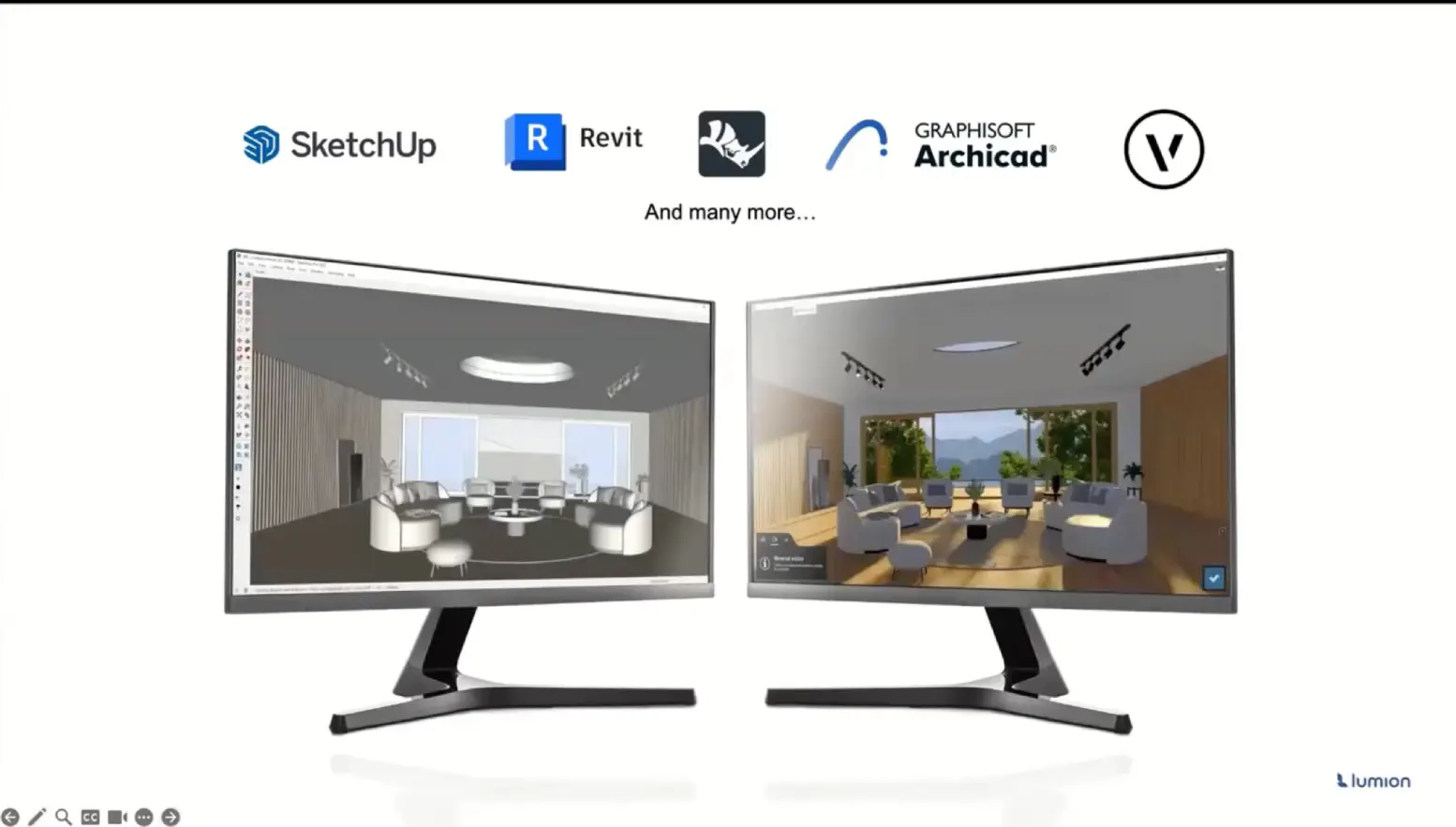
The studio principal spent that weekend researching AI rendering options. By Monday, they were trialing Veras, which integrates directly into Revit — the software the studio already used for all their modeling work.
The Tools That Changed the Workflow
AI rendering: Veras integrated into Revit
The core shift was replacing the external rendering pipeline with Veras running directly inside their existing Revit models. Instead of exporting geometry, briefing an external renderer, and waiting days for output, the team could generate photorealistic renders from their live Revit model in minutes using text prompts to control style, lighting, and atmosphere.
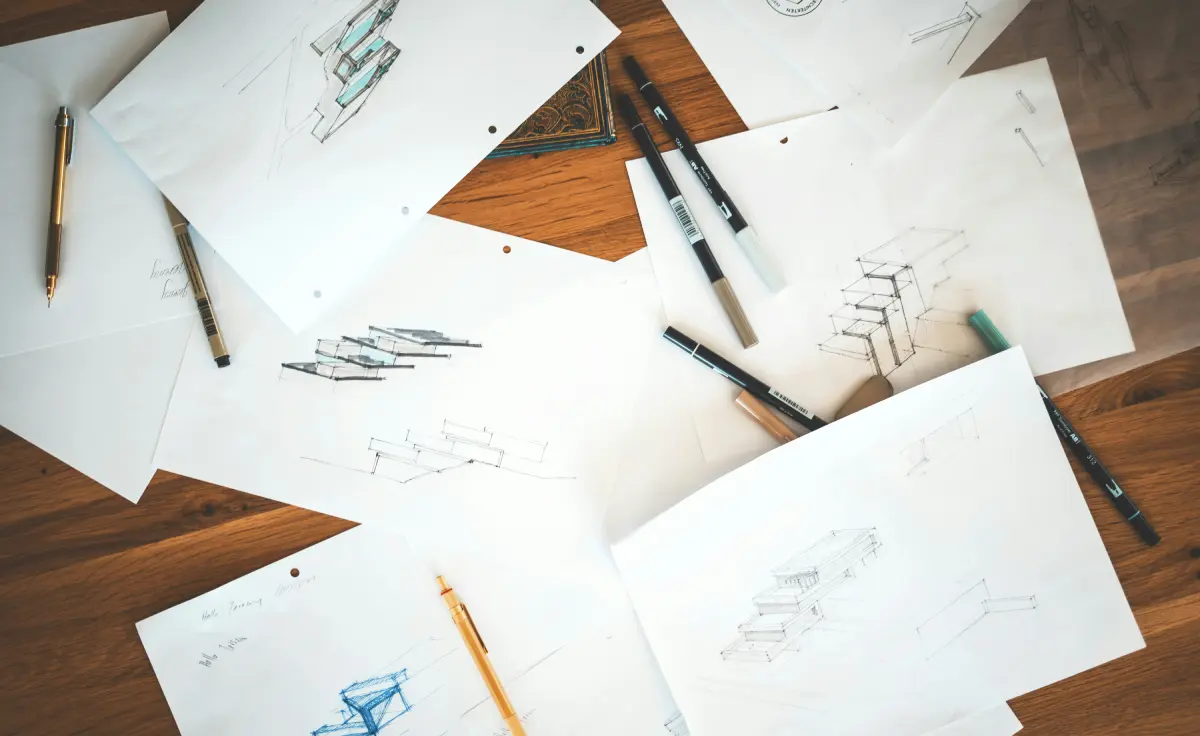
The practical impact was immediate. For the next concept presentation — a boutique retail fit-out in Rotterdam — the team prepared twelve render variations across three design directions in a single afternoon. Different times of day, different material palettes, different levels of warmth. Variations that would previously have required three weeks and multiple external invoices were ready before the client meeting.
More importantly, the renders were good enough to show clients during the design process rather than only at formal presentation milestones. The studio started holding shorter, more frequent check-ins where clients could react to visual options in real time rather than waiting for a polished deck.
AI writing: proposal and documentation drafts
A secondary but meaningful time saving came from using general-purpose AI writing tools to handle the first draft of project proposals, scope documents, and planning application descriptions.
The studio developed a short brief template — covering project type, key design moves, client profile, and tone — that they feed into an AI writing tool before each document. The output isn't final copy, but it removes the blank-page problem and reduces the time to a first draft from several hours to under thirty minutes. Senior staff review and add the studio's specific voice and detail, rather than starting from scratch.
The Results, Four Months Later
The studio tracked results systematically across the four months following adoption.
| Metric | Before | After |
|---|---|---|
| Average concept approval time | 3-4 weeks | 3-4 days |
| External rendering cost per project | €1,400-2,800 | Under €200 |
| Design variations shown per concept | 2-3 | 8-12 |
| Client approval rate on first/second concept | 40% | 73% |
| Estimated revenue impact (annualized) | — | +€200K |
The revenue impact figure came from two sources: reduced external rendering spend across the project portfolio, and the ability to take on more projects in the same timeframe because concept phases were no longer the bottleneck.
The Utrecht client, whose rejection had triggered the change, was eventually brought back for a second project. This time, the concept was approved after a single two-hour session — three variations, live renders, immediate feedback, immediate decision.
What This Means for Architecture Studios
The ArchVision experience points to something broader than just "AI renders are faster." The real shift is in the rhythm of client communication.
When renders are slow and expensive, studios conserve them — producing fewer, later in the process, at formal milestones. This means clients make large decisions with limited visual information, and feedback arrives when it's most expensive to incorporate.
When renders are fast and cheap, studios can share visual work earlier and more often. Clients develop their preferences gradually rather than being asked to approve or reject a finished concept. By the time a formal presentation happens, there are no surprises.
We're not producing less thoughtful work. We're just not making clients wait three weeks to tell us what they actually wanted in the first place.
Browse AI tools for architecture studios
Explore Tools →Tools Used in This Case Study
The reviewed tools behind the results above — read our full review or try them yourself.
- Veras★ 4.6
The AI renderer inside Revit that ArchVision standardized on — photorealistic output from the live model.
- Midjourney★ 4.6
Concept and mood imagery for the earliest design conversations, before a model even exists.
- ChatGPT★ 4.7
First drafts of proposals, scope documents, and planning descriptions — the studio's secondary time saving.
Some links above are affiliate links — we may earn a commission at no extra cost to you. See our affiliate disclosure.